CREATING QUIZZES
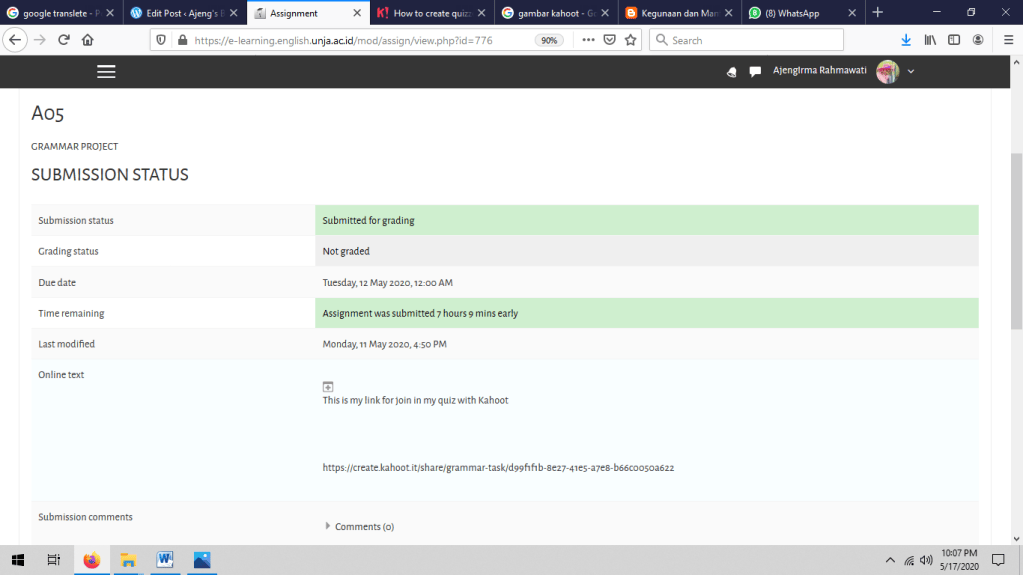
In this meeting we have to make a quiz of either Vocabulary or Grammar. This quiz should contain at least 10 items. We can use several items to make the quiz, they are Kahoot, Quizziz, Socrative or other apps. In this opportunity I have choose Kahoot to make my quiz about Grammar.

To make a quiz on kahoot, I searched it on the internet. and here’s how to make a quiz on kahoot
- Open the Kahoot! app and tap Create in the navigation bar at the bottom of the screen.
- Add a title, description and cover image, just like you do on your computer. You can use an image from your camera roll or snap a new one as you’re creating!
- Choose if you want to keep this kahoot private, make it visible to everyone or share it with your team (for business users only).
- Tap Add question. Add the question and answer options. Toggle correct and incorrect answers. Change time limit to fit question type.
- Remember to add images and videos! Check progress against our Question checklist – it’ll hint if something is missing.
- Check progress against our overall Kahoot checklist – it’ll help you with all the ingredients of a perfect kahoot.
- Tap Done – and it’s ready!
Reference : https://kahoot.com/blog/2018/06/14/how-to-create-quizzes-in-kahoot-app/
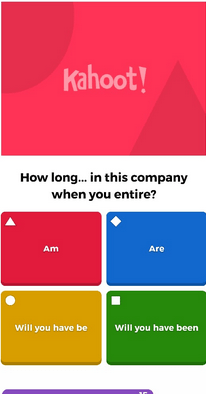
So, here my quiz is used kahoot This is one example of my quiz questions that I made using the application kahoot. Of course, I get a pleasant experience using this application, this application makes learning interesting and challenging